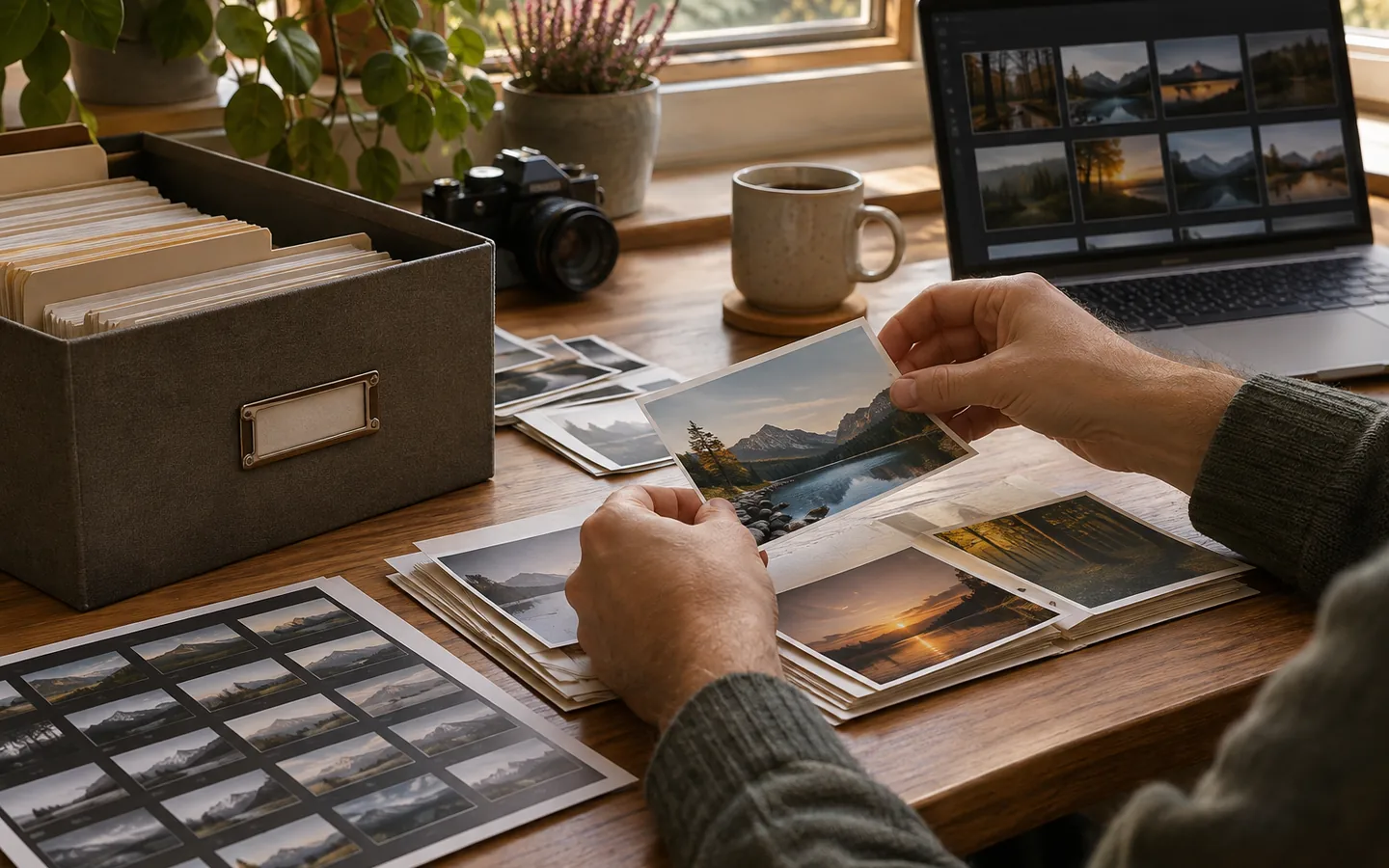
It is tempting to treat every file named photo-final-v3.jpg as interchangeable. Over time, that habit makes it hard to tell what the camera captured, what you changed, and what you sent to somebody else. A healthier personal archive separates three jobs: preserving the source, keeping meaningful creative edits, and making copies designed for sharing.
The original is your reference point
An original might be a camera RAW file, a JPEG captured by a phone, a scanned TIFF, or the earliest surviving copy of an old image. The key idea is not that one format is inherently superior. It is that you keep a version that has not been repeatedly resized or recompressed. Put it in an Originals folder or keep it clearly identified in your event structure.
When you import from a memory card, make a verified copy before reformatting the card. If a file already exists, compare more than the name: two devices can produce identical filenames such as IMG_0001.JPG. Keep a record of which device or source a batch came from. A checksum can confirm that two byte-for-byte copies match, although it cannot tell you whether a photograph was edited before it entered the archive.
Edits are decisions worth remembering
An edited photograph is not a damaged original; it is another valuable object. Cropping, color correction, dust removal, and captioning express intentions that you may want to revisit. Where editing software supports sidecar files or nondestructive project files, keep those alongside the source. For an important finished edit, export a high-quality image that can be opened without the original editor.
You do not need to save every preview or auto-generated thumbnail. A useful approach is to save the untouched original, the editable project when it matters, and a final high-quality export. Use an informative suffix such as _edit rather than relying on a long sequence of versions named “final”.
Sharing copies should be deliberately smaller
A file prepared for a phone screen does not need to be the full-resolution camera source. Create a sharing copy at dimensions appropriate to its audience, use a format recipients can open, and check that important detail still looks good. If you are sending a photo to a print shop, ask for its specifications rather than assuming the same small web export will work.
Shared copies may also carry metadata you would rather keep private. GPS coordinates, device details, and captions can survive some exports. Treat metadata removal as a separate check, not something guaranteed by resizing. Preserve descriptive copyright or attribution information when appropriate, and inspect the final exported file itself.
Write a tiny naming rule
For example: IMG_3821.CR3 remains untouched, IMG_3821_edit.tif is a master edit, and IMG_3821_share.jpg is the lightweight version. A different scheme is fine if everyone using the archive can understand it.
The Library of Congress advises keeping the highest-quality versions of important photographs. That does not mean every share has to be large. A reliable archive simply knows the difference between the file you preserve and the file you hand over.