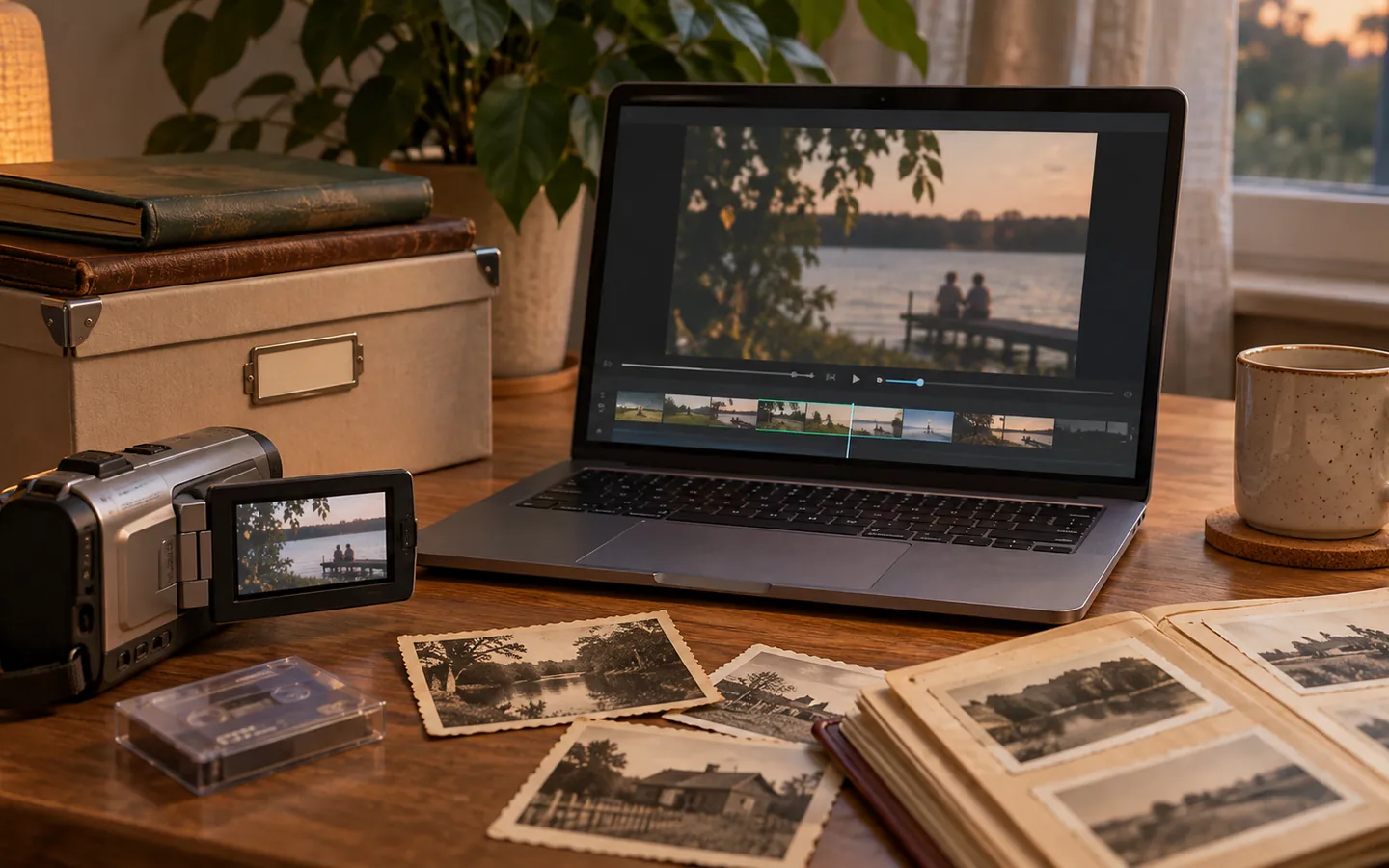
Home video is particularly easy to lose. Recordings are spread across phones, action cameras, old camcorders, messaging apps, and editing projects. Some play only in particular applications. Others have been compressed so many times that the picture has visibly softened. The best time to plan for the future is before you need to recover a forgotten clip.
Preserve the best available source
For every important recording, keep the highest-quality version you still have. That might be the original phone file, a transferred camcorder recording, or the master exported from an older editor. A short clip sent through a chat service is useful for sharing, but it may not contain the full detail of the source. If a project is editable and meaningful, keep its project file and the media it references as well as a playable export.
The Library of Congress guidance on personal video emphasizes retaining high-quality versions with descriptive information and making copies in different locations. Those are sensible habits even for a collection of ten clips.
Name a scene so someone else can find it
A filename such as 2026-08-02_beach-sunset_original.mp4 communicates more than VID_0039.mp4. If you need camera originals untouched, keep their names inside a named event folder and use a separate index file for descriptions. Record who appears, where the clip was made, and whether the date is certain. Avoid placing sensitive details in public exports.
Arrange videos with related photographs when that reflects how you remember the event. A birthday album can contain both a group photo and the moment everyone sang. You do not need separate silos for every media type.
Make a playback copy when necessary
Some older formats are awkward to play on current devices. When you create a new playback version, keep the source as well. Transcoding decodes and re-encodes media; it may introduce quality loss, and in practice it is best reserved for compatibility, resizing, or other specific needs. The FFmpeg documentation explains the distinction between transcoding and copying streams without re-encoding.
For family sharing, a common MP4 file with broadly supported video and audio codecs is often a practical choice. But do not overwrite a camera master just to make the file play in a browser. Test the actual exported file on more than one device before distributing it widely.
Make small viewing sessions routine
An archive is not preserved merely because a drive reports that its files exist. Once or twice a year, sample recordings from different years. Confirm that picture and sound play, subtitles or captions are present when expected, and the file names still make sense. Keep an inventory that shows which clips have originals and which survive only as lower-quality copies.
A short descriptive note can make all the difference: “Ten seconds of rain on the old porch” or “First bike ride, filmed vertically.” Those details invite somebody to watch the footage rather than leaving it stranded in a folder. Video preservation is ultimately about keeping moments accessible, not collecting codecs.