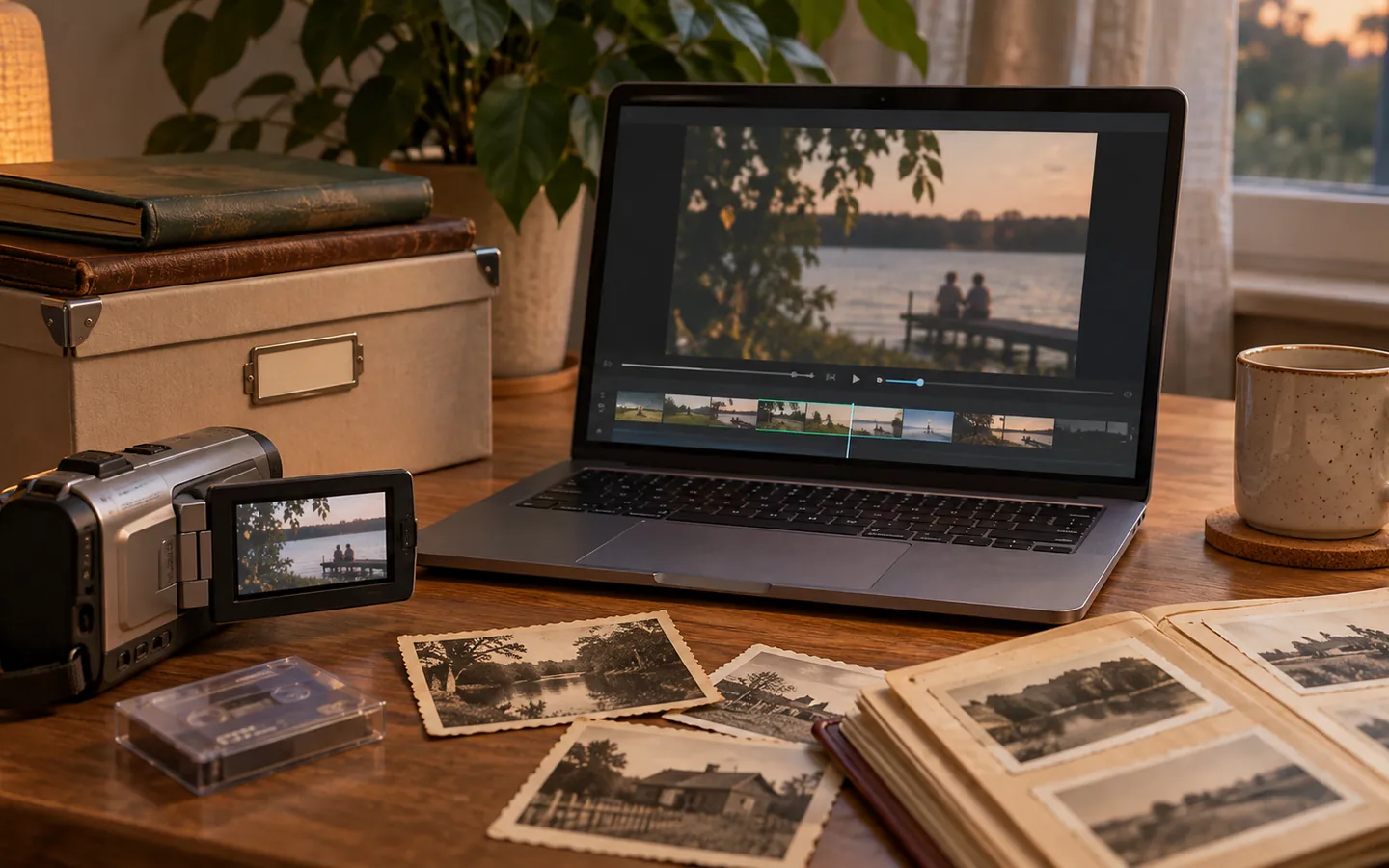
A photograph contains more than pixels. It may have a capture time, camera model, exposure settings, geographic coordinates, a description, a creator credit, or an editing history. That information can make a personal archive searchable and meaningful. It can also reveal details you did not intend to share.
Know the common layers
Exif information is often created by the camera or phone. Typical fields include camera settings, date and time, and sometimes GPS coordinates. IPTC photo metadata is designed for descriptive and rights-related information such as captions, creator names, keywords, and copyright notices. XMP is a technical framework that can carry metadata fields and sometimes appears in sidecar files next to RAW images.
These categories can overlap in the real world. An application may write similar information into multiple fields, and a social platform may modify or remove some of it during upload. That is why examining the exported file matters more than remembering a theoretical rule.
Add descriptions with a future reader in mind
Start with three questions: what is shown, when did it happen, and why does it matter? A caption like “Grandparents at the old station before the move” will be more useful in twenty years than “DSC_0307”. You do not have to annotate every picture. Caption a representative image in each important series, and add keywords only when they genuinely help retrieval.
The IPTC Photo Metadata User Guide describes a recommended minimal set of descriptive and rights fields, including description, creator, credit line, copyright information, and creation date. Recording honest, specific information is more valuable than filling every possible field.
Check location information before sharing
Location tags can be wonderful when reconstructing a trip, but a public image of home, a child’s school, or a private gathering deserves extra care. Before sending a file outside a trusted circle, inspect its location metadata and consider whether removing it is appropriate. Also inspect the photograph itself: a street sign or document in the frame can reveal information even after metadata is stripped.
If you use a metadata utility, work on a copy first. Some operations can remove useful descriptions or maker-specific data along with sensitive fields. A tool such as ExifTool can inspect many embedded metadata types; its documentation also explains that deleting groups of tags can have broader effects than expected.
Keep a private master and a deliberate public export
A straightforward workflow is to keep your fully described master in the private archive, create a resized sharing copy, then inspect that copy for metadata and visible information. Preserve creator credits and licensing information when redistribution requires them; privacy does not mean erasing other people's rights.
Finally, remember that timestamps can be inaccurate. Cameras may have been set to the wrong time zone or never adjusted after a battery change. Note uncertainty rather than silently rewriting the date. Good metadata is a service to future readers, not a claim that every detail is perfectly known.