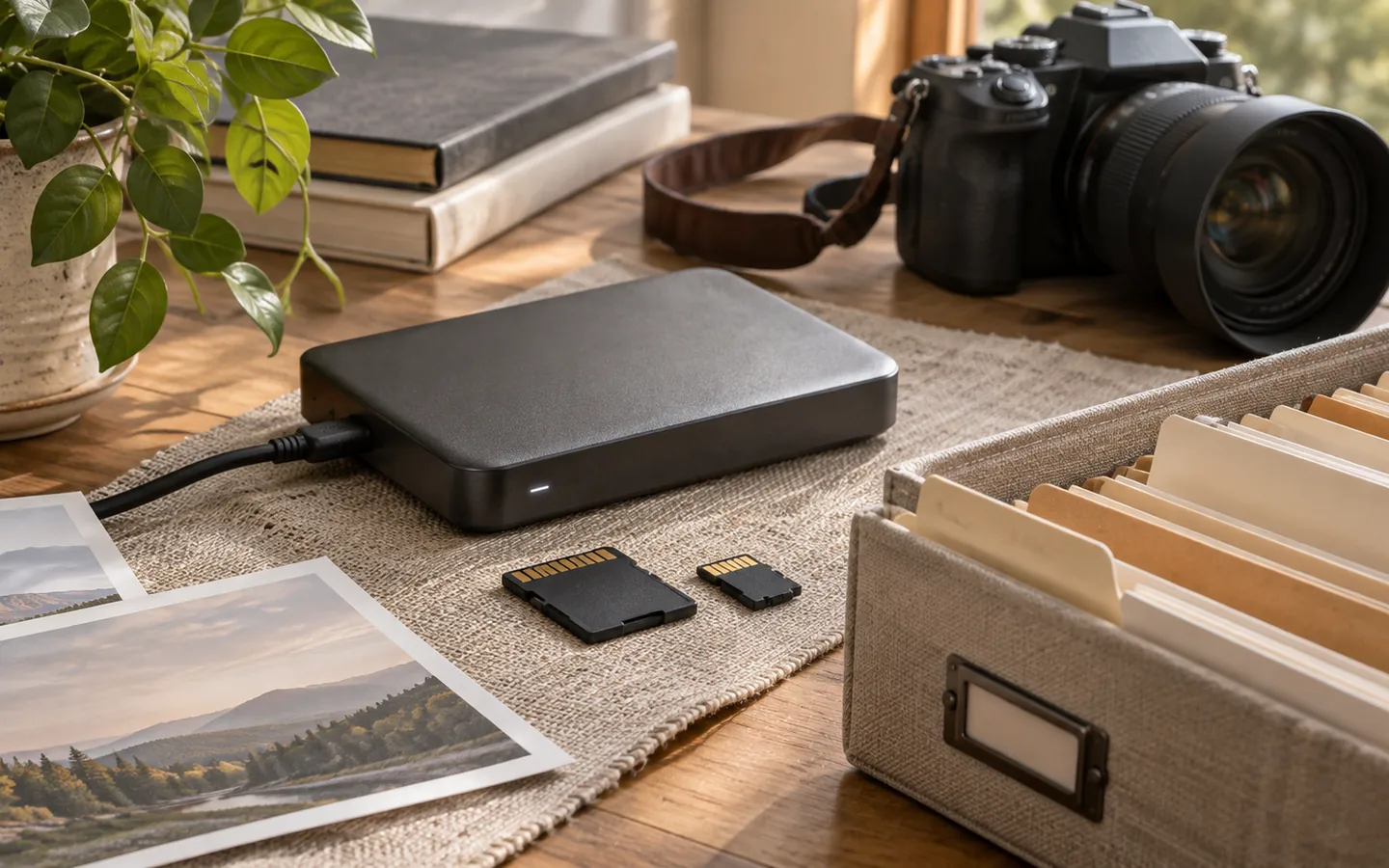
Buying an external drive feels like the start of a backup plan. But a drive sitting next to your computer is not protection against every failure, and a synchronization service can copy accidental deletions as efficiently as it copies good files. A practical backup plan is less about purchasing equipment and more about making recovery predictable.
First, identify what cannot be replaced
List the locations where originals live: the computer, phone, camera card, old laptop, home server, and any online accounts. Then identify which materials are genuinely irreplaceable. You may be able to re-download a movie, but not a home recording that was never uploaded anywhere. Prioritize those unique files and a simple inventory of what you have.
Make a first independent copy before reorganizing. Moving thousands of files into one “perfect” archive can wait; ensuring that they exist in two separate places should not. When copying, compare file counts and sizes, and use checksums for important transfers when practical. Do not delete the source merely because a progress bar reached one hundred percent.
Think about different failure modes
A local drive protects against some disk failures. An additional copy stored elsewhere helps when a room floods or equipment is stolen. Versioned or offline copies help when a deletion, broken import, or malicious program affects the working collection. These protections solve different problems; no single drive or provider covers them all.
One easy-to-remember pattern is to keep several copies, use more than one kind of storage, and ensure that at least one copy is separated from the primary machine. The precise number matters less than the independence of those copies and your ability to restore them.
Make restoration part of the plan
A backup that has never been opened is a promise you have not tested. Pick a handful of files every few months and restore them to a temporary folder. Open photographs, play videos, and compare names and dates. Test the process for recovering a whole folder, not just a single file. If encryption is involved, verify that the recovery key exists somewhere safe and independent of the device being backed up.
The Library of Congress's photo archiving advice recommends maintaining multiple copies in different places and periodically checking their readability. That focus on actual access is as important as any automated backup job.
Write down the routine
A one-page backup note can specify the source folders, destination drives, schedule, encryption method, and date of the last successful restore test. Include who can recover the data if you are not available. Avoid putting passwords directly in the note, especially if it is stored beside an unencrypted copy.
Finally, review the plan whenever your devices change. A new phone or NAS may quietly become the only place where valuable originals live. A good archive grows with its owner; a good backup routine follows it. Start small, test it, and keep doing it.